


Notion Novel Writing Template
Notion Novel Writing Template
📩 Instant delivery
✍️ Easily plan and structure your novel
📖 Beautifully organize your characters, locations and plot
START WRITING YOUR BOOKS! 📚
Couldn't load pickup availability
(A one-time digital processing fee applies.)

Notion Novel Writing Template


Delivery & Usage Info
Delivery & Usage Info
⚡ Instant delivery — your download link arrives by email the moment your purchase is confirmed.
📱 Works on any device — open it on iPhone, iPad, Android or desktop. Best experienced in the Notion app or browser.
🗒️ Yours to keep — duplicate it to your Notion workspace and access it anytime, even offline.
🔒 Personal use only — this template is licensed for your personal use only, not for resale or redistribution.


Why you'll love it
Our novel writing template keeps your characters, plot outline, locations and writing progress in one beautiful workspace, so you spend less time scattered across notes and more time actually writing your story!

FAQ 💬
How do I access the planner after purchase?
How do I access the planner after purchase?
Once your order goes through, we will send you an email. Open it, download the PDF, and inside you’ll find the link to your Notion template. Click it, then hit Duplicate in the top-right corner — that saves your own editable copy straight to your Notion workspace.
Why can’t I edit the template directly?
Why can’t I edit the template directly?
The original is view-only to keep everything intact for every buyer. To get your editable version, just click Duplicate at the top-right in Notion. Takes about 5 seconds, then it’s completely yours to customise.
Do I need special software?
Do I need special software?
You just need a free Notion account and a browser. Nothing to install — Notion runs on desktop, iPhone, iPad and Android. First-time setup is easier on a computer, but after that you can write and update from anywhere with the Notion app.
I didn't receive the email, what now?
I didn't receive the email, what now?
Start with spam, junk, and promotions folders. Gmail users should also check the "Spam" or "Promotion" tab. Still nothing? Email us at helpdailyplanners@outlook.com and we'll take care of it.
What’s inside the template?
What’s inside the template?
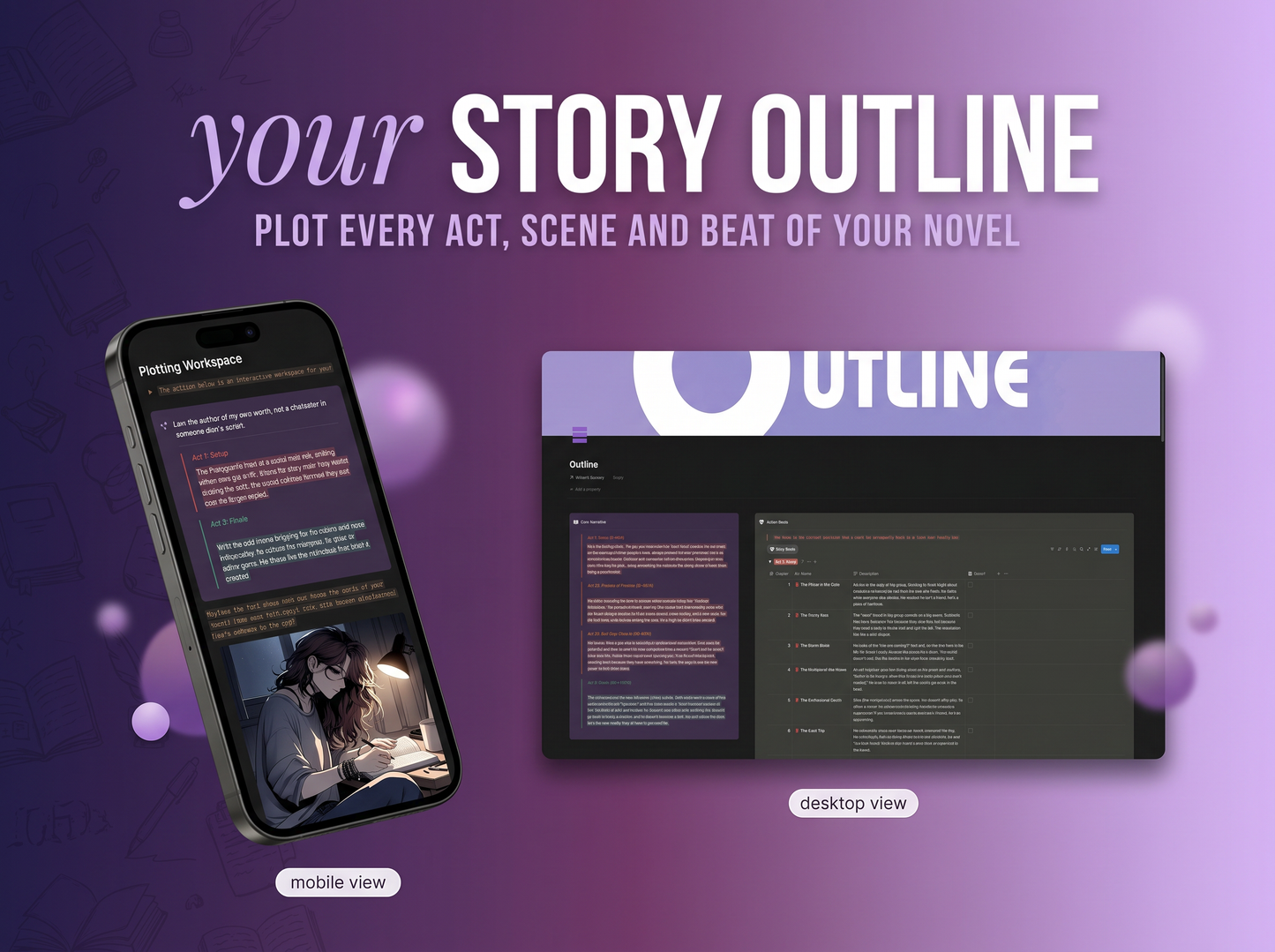
A complete creative writing workspace built in Notion. The main page lets you play background music, set Pomodoro timers, and see everything at a glance. From there you can access your story outline, plotting workspace, characters gallery, locations library, worldbuilding notes, braindump space, tasks tracker, calendar, and much more, everything a novelist needs, all in one place.
How does the writing progress tracking work?
How does the writing progress tracking work?
Log your writing sessions directly in the template and your Writer Dashboard automatically tracks your hours and word count, broken down by this week, this month and all time. The pipeline shows what’s Not Started, In Progress and Done so you always have a clear picture of where your story stands. The Pomodoro timer keeps your sessions focused and the progress bar updates as you move through your outline.
Can I use it for multiple writing projects?
Can I use it for multiple writing projects?
Absolutely. Just duplicate the entire template in Notion for each new story - every project gets its own clean, fully-featured workspace. One purchase, unlimited use across all your novels, fanfics, short stories or any writing project you take on.
It Really Works
Over 90% of our customers have made significant progress on their novel or writing project after using the template.
Our Results
90%
have finally stopped losing story ideas and started capturing everything in one organized place.
91%
write more consistently each week after building a routine with the built-in Pomodoro timer and progress tracker.
96%
feel more confident in their story structure after mapping out their outline, characters and plot beats in the template.
Survey results conducted on our users in Q3 2025.